

How it works
How SnapPost turns a shop photo into a post
You take the photo. SnapPost writes the caption, designs the poster, and publishes or schedules it to your Facebook Page and Instagram Business account.

Capture
Snap the photo
Photograph the dish, product, outfit, or shop front from your phone. Add a short title if you want, or describe the offer by voice during a busy hour.
Write
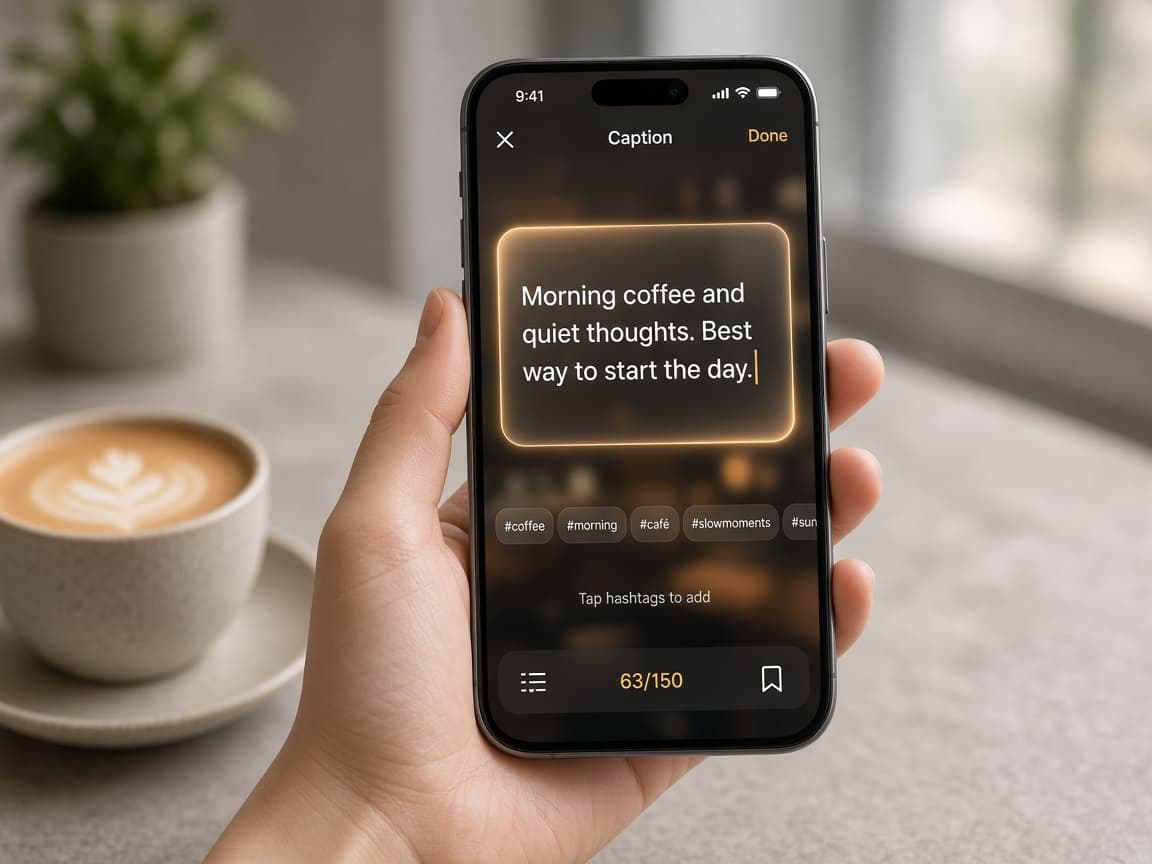
AI writes the caption
SnapPost writes the caption and hashtags from your business profile. Captions can be in English or Hindi, in the tone of your category, with your contact details kept intact.
Design
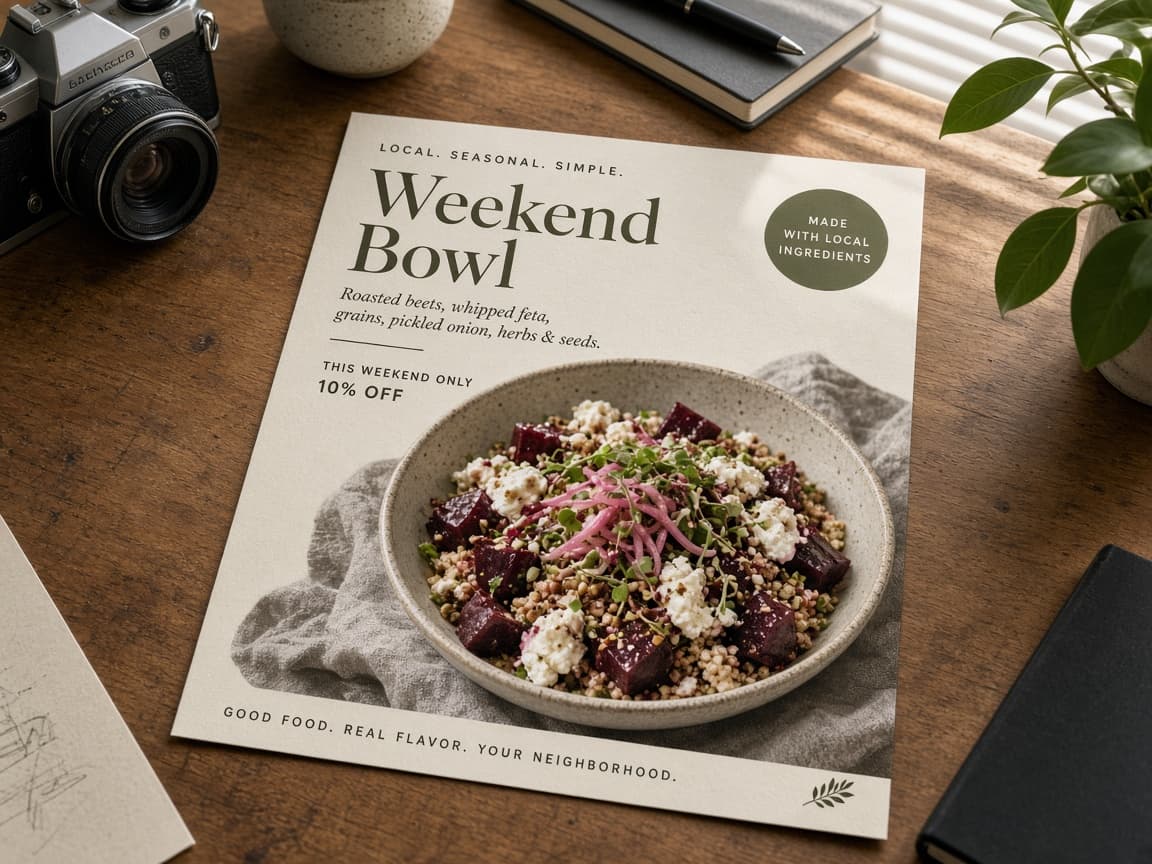
A branded poster, not a raw photo
The same photo can become a poster with your business name and contact, ready for a festival, offer, or new arrival.
Share
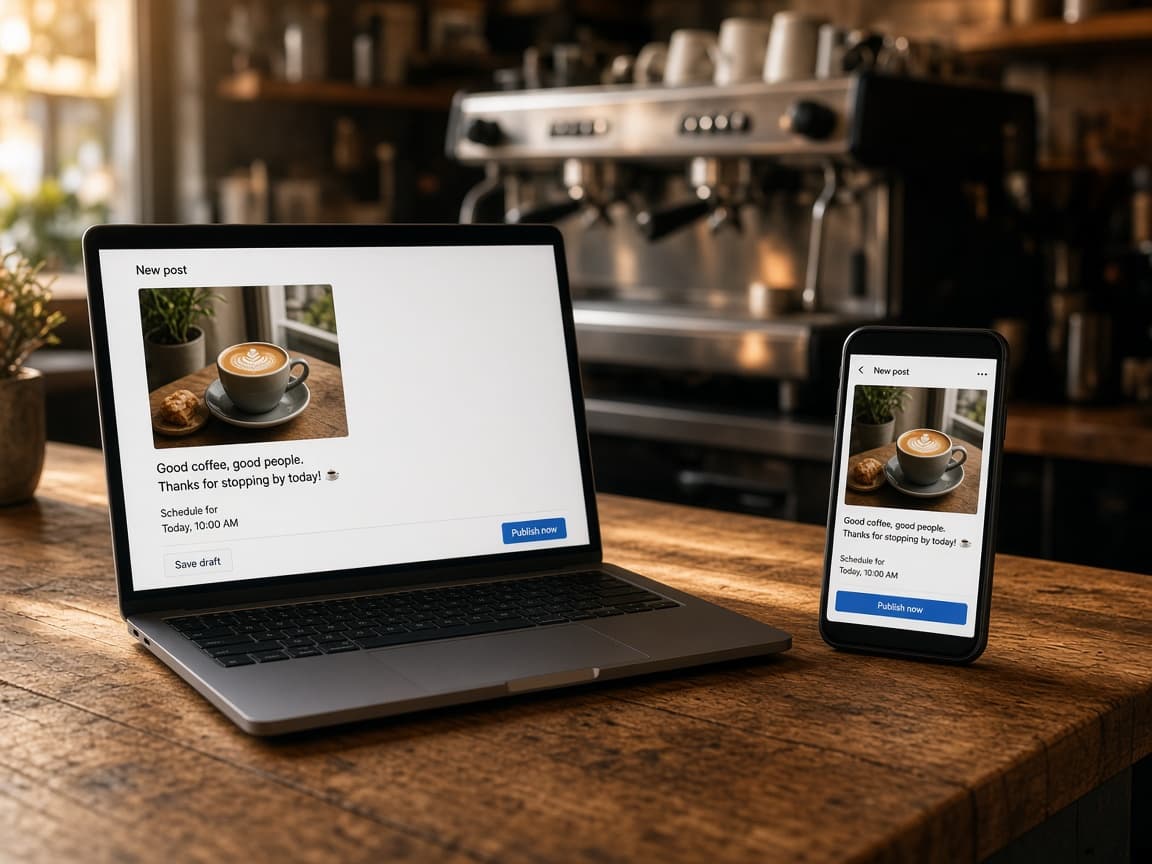
Publish now or schedule
Connect Facebook and Instagram once. Post immediately, or queue it. SnapPost publishes through Meta’s official APIs even when your phone is off.
Engage
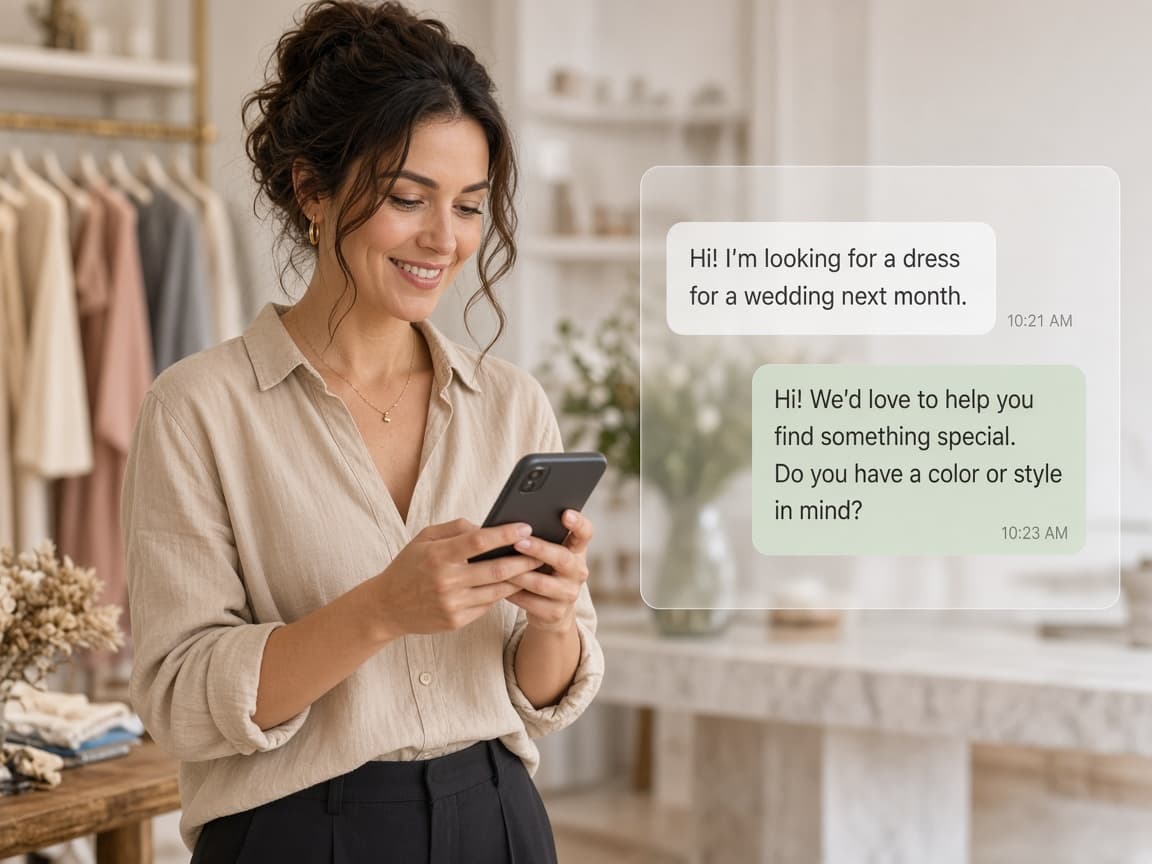
Reply and see what worked
Comments and DMs from both platforms land in one inbox. SnapPost suggests a reply, and you can turn on auto-replies for common questions. Each post shows reach, likes, and comments.
Questions
- Does SnapPost post to both Facebook and Instagram?
- Yes. After you connect a Facebook Page and an Instagram Business account, one SnapPost action can publish or schedule to both through Meta’s official APIs.
- Can I write the caption by speaking?
- Yes. Describe the offer by voice and SnapPost turns that into a ready caption, which is useful when the shop is busy.
Ready to post today's shop photo?
Start the free trial — no card needed — and publish to Facebook and Instagram from one place.